An explanation and script for automatic configuration of IPv6
using 6rd (IPv6 rapid deployment) on MikroTik RouterOS.
IPv6 rapid deployment (6rd) is a convention for configuring the tunnel of IPv6
traffic over IPv4 within an internet service provider’s customer network.
MikroTik’s RouterOS operating system supports all the pieces required for a customer
to connect to such IPv6 networks deployed with 6rd, but RouterOS doesn’t directly support
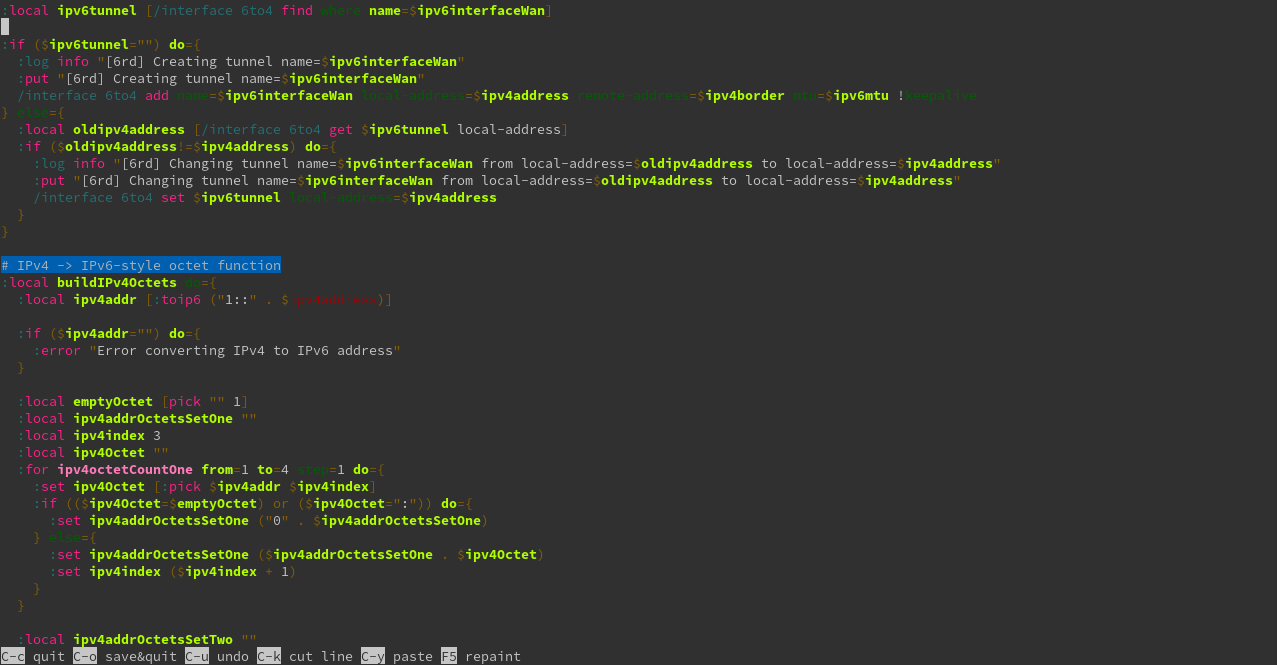
6rd. This article describes a custom script that will monitor an interface’s IPv4 address
and automatically configure a corresponding 6to4 tunnel to follow the 6rd standard.
In the first post of this blog series, I define Contract-First
REST Development and discuss benefits of this development style.
In this post, I provide an overview of contract-first development and reasons to
follow this style of development. Specifically, I define contract-first REST
development, tell the story of a real-life project that migrated to contract-first
development, discuss some benefits of contract-first development, and then introduce
three styles of generating code to complement contract-first development.
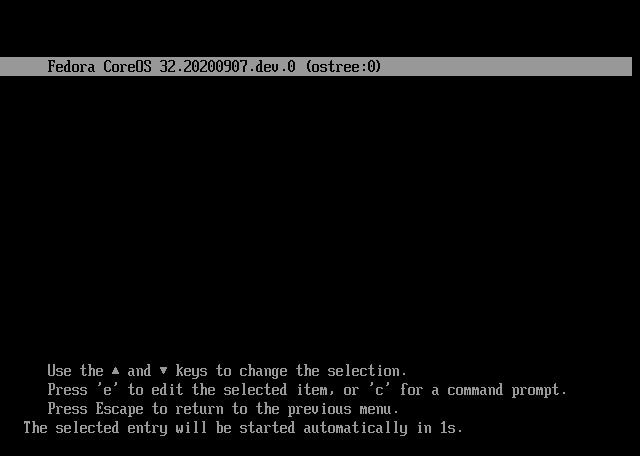
A guide that walks through the steps to build and use coreos-assembler
to install Fedora CoreOS on a Pi 4.
This guide walks through the steps to assemble a Fedora CoreOS image that
targets aarch64, and then continues to installing it onto a USB drive.
Afterward, the USB drive is updated to include UEFI for the Raspberry Pi to
facilitate booting.
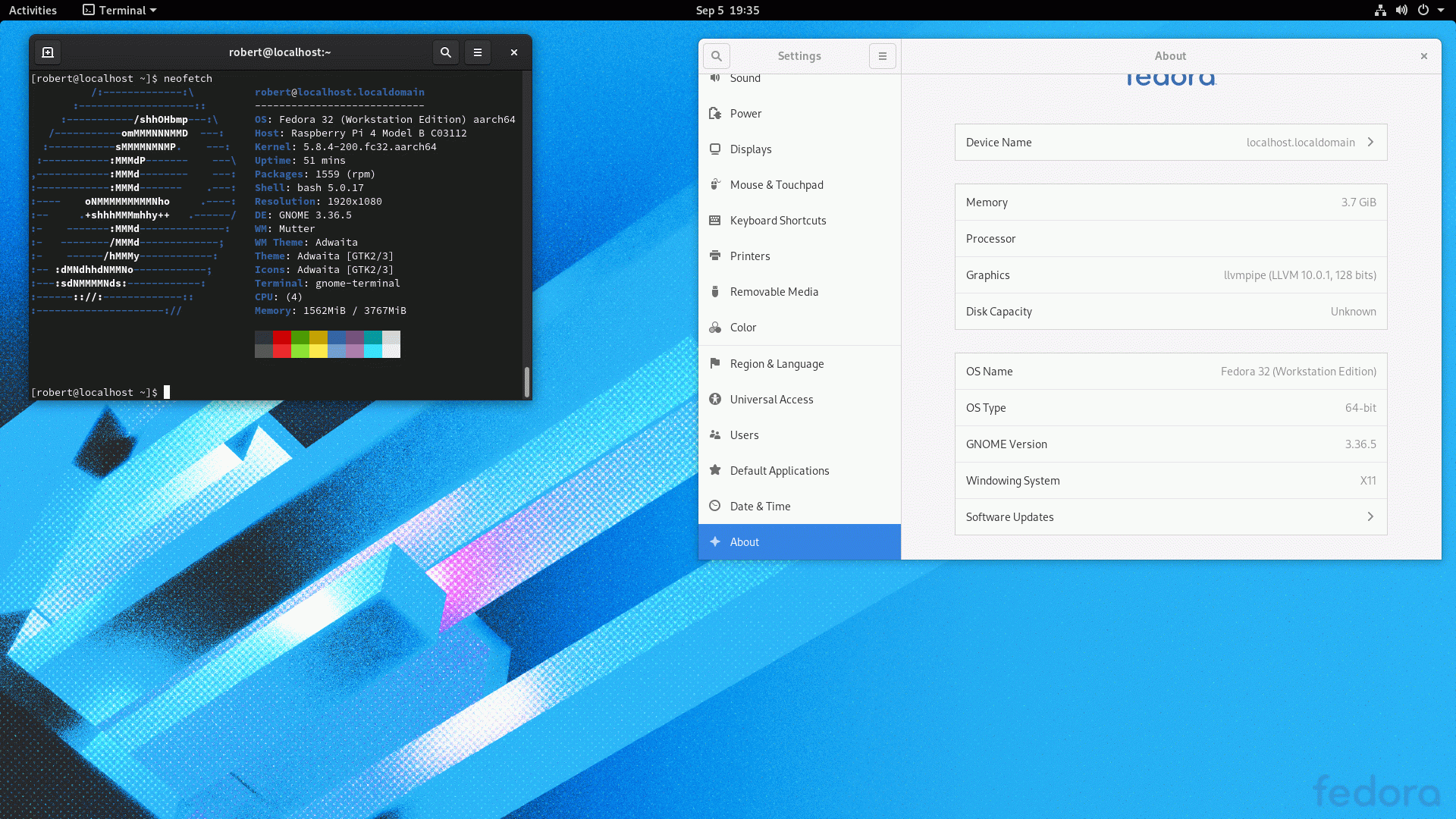
A guide to installataion of Fedora 32 Workstation onto a USB mass storage
device for use in a Raspberry Pi 4.
As with my previous guide on Installing Fedora Server onto Raspberry Pi 4,
this guide aims to install Fedora 32 Workstation without modification to
packages, custom kernel builds, or similar changes. In this way, the running
system will be able to receive all updates directly from Fedora repositories.
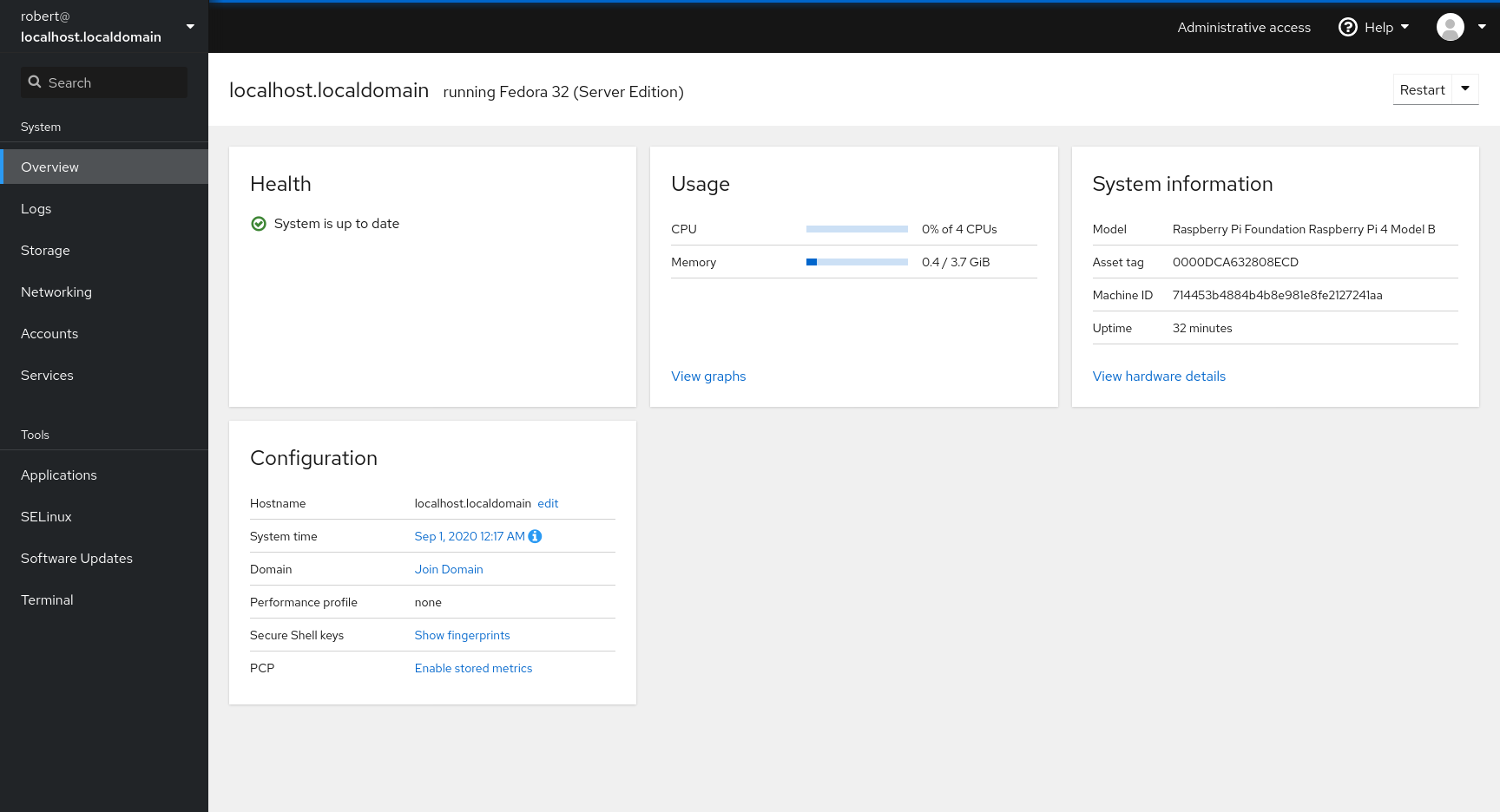
A guide to the manual installation of Fedora Server onto a Raspberry Pi 4
with UEFI booting from a USB mass storage device.
This guide aims to install Fedora Server onto a USB
drive without any modification to packages, custom builds of kernels, or
other changes to the default install of Fedora. In order to accomplish this,
a build of UEFI that is specific to the Raspberry Pi 4 is used.
Keep going!Keep going ×2!Give me more!Thank you, thank youFar too kind!Never gonna give me up?Never gonna let me down?Turn around and desert me!You're an addict!Son of a clapper!No wayGo back to work!This is getting out of handUnbelievablePREPOSTEROUSI N S A N I T YFEED ME A STRAY CAT